One photo is the whole entry
A camera roll fills up with screenshots, receipts and six near-identical shots of the same sunset, and finding one particular day in it later takes real digging. A written journal asks for the opposite: a blank page and twenty quiet minutes, which is exactly what a long day does not leave you. Onestill sits between the two. The entry for a day is one photo you chose, plus a caption short enough to write while the kettle boils.
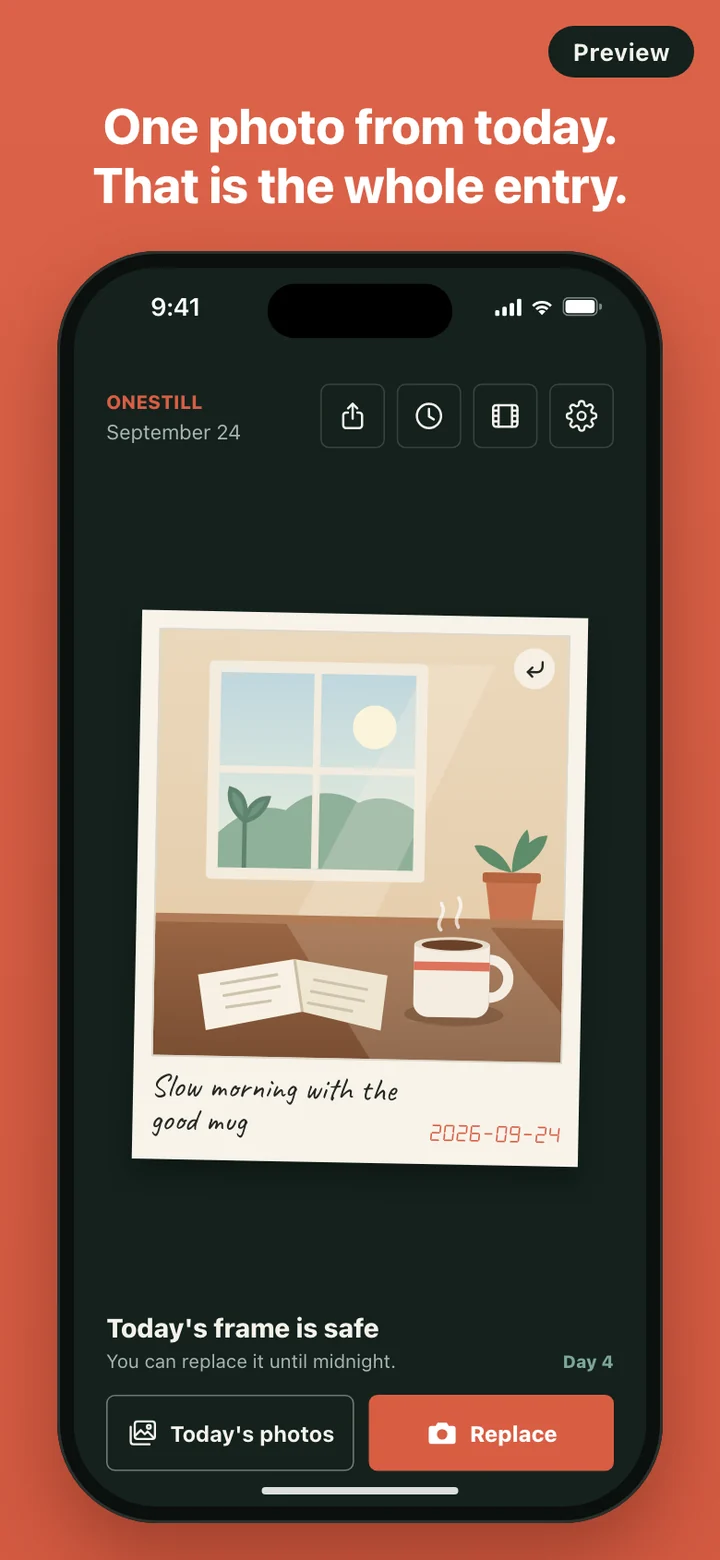
Choosing is the point. Picking one frame out of a day is a small act of editing, and it is often enough to bring the rest of the day back when you see it later. If there is more to say, the back of the print is there. If there is not, the photo and the caption already count as a finished day.
Why yesterday stays empty
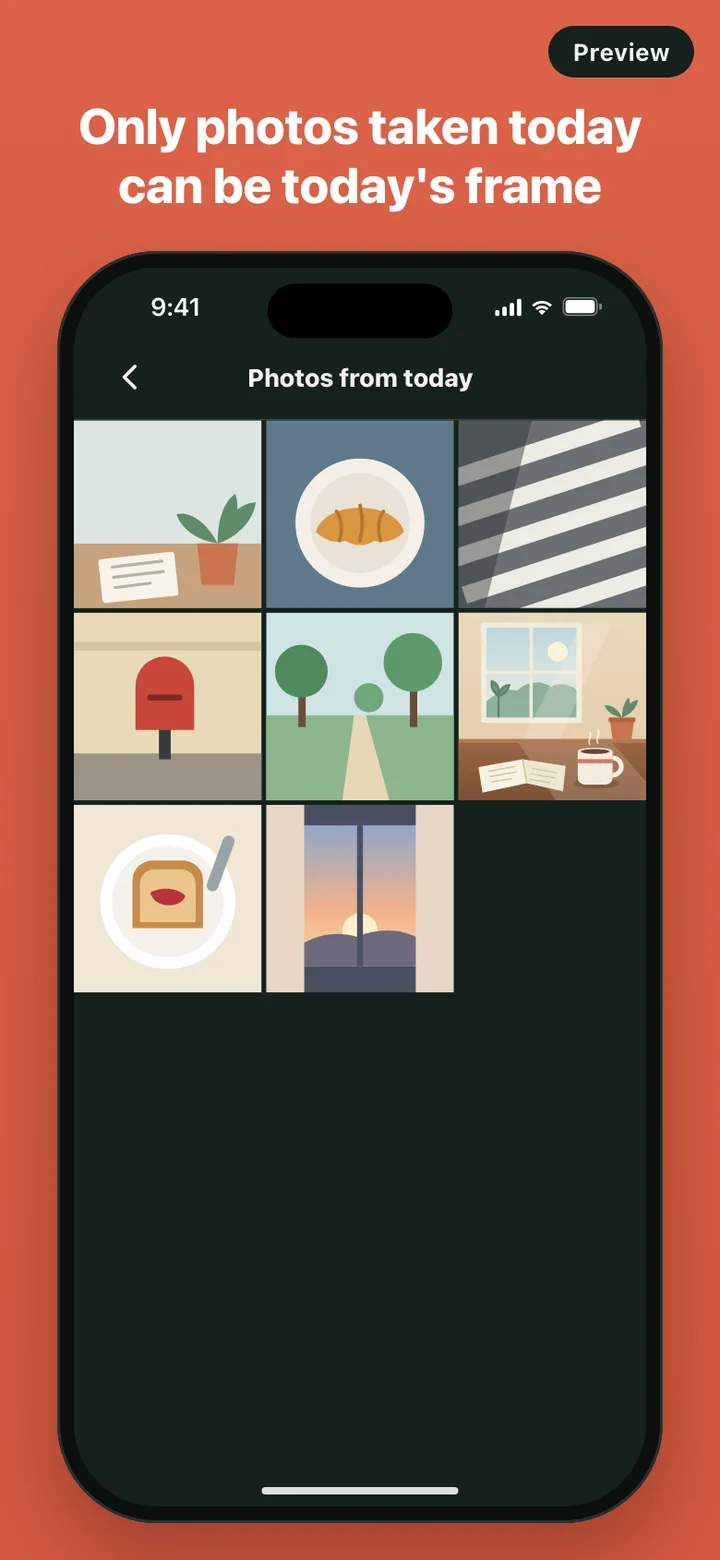
Onestill only accepts a photo taken today. Today's photos is filtered by the time each picture was captured, so last week's beach shots never show up there, and the app will not save a photo dated to another day. You can replace today's frame as often as you like until midnight. After that the day is closed.
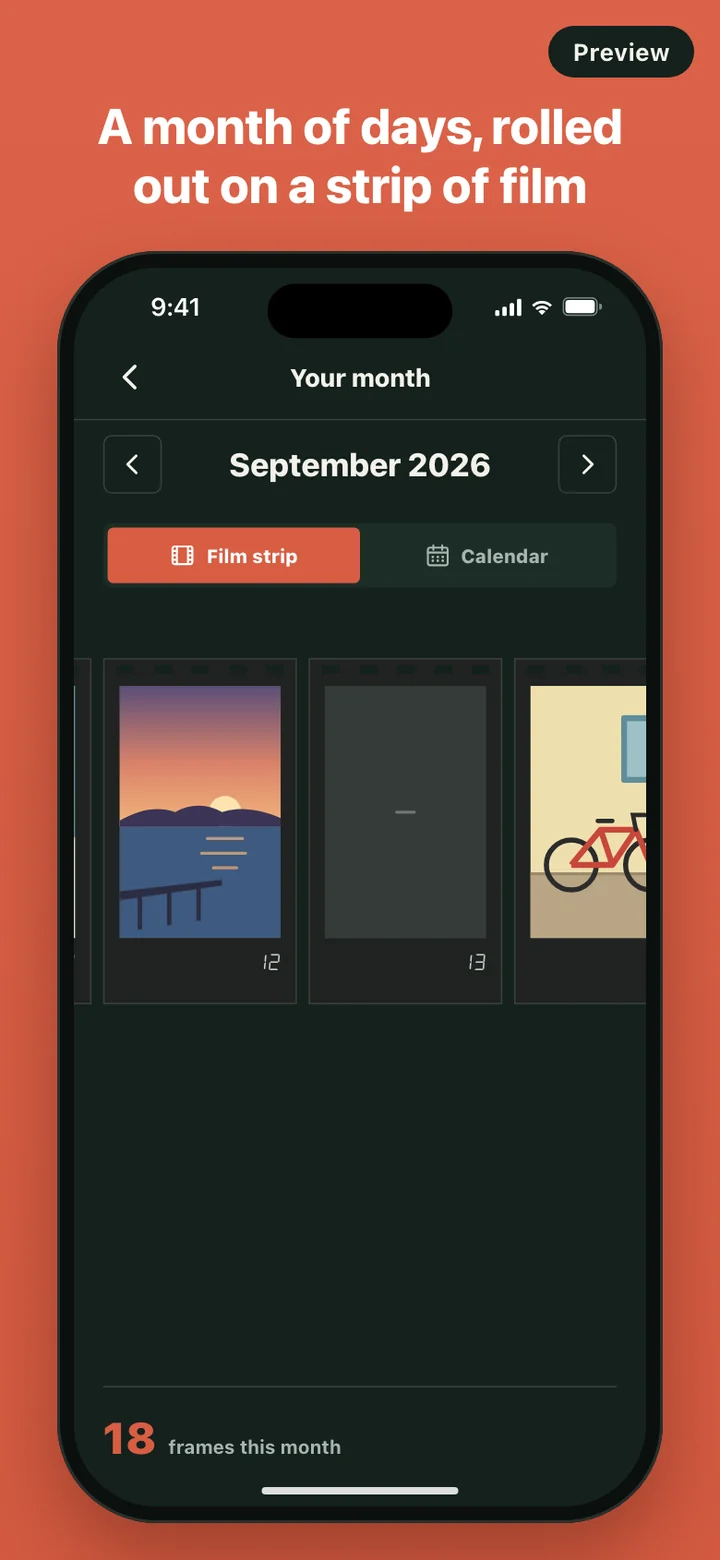
That means missed days stay missed. They appear as blank frames on the strip and dashed boxes on the calendar, which is a more honest record than a month quietly back-filled on Sunday night. The home screen shows a small Day counter for consecutive days, and when a run ends it simply starts again. There are no badges, points or warnings about breaking a streak.
A day with Onestill
- If you turned on the reminder, a notification at 9 PM says your frame is waiting. Keeping today's frame clears it.
- Tap Camera to shoot something now, or Today's photos to pick from what you already took today.
- Write a caption, tap Keep this frame, and the print appears on the home screen with Today's frame is safe underneath.
- Tap the print to flip it and add a few lines on the back, or leave it as it is.
Most days the whole thing takes less time than reading this paragraph. Nothing asks you to tag, rate or categorize the day.
Looking back
Your month opens on the current month as a film strip or a calendar, with a count of frames kept underneath. The Memories screen adds a monthly recap: how many frames you kept this month and a best moment, which is simply the day you wrote the most about.
You can turn today's print, or the month as a grid of up to twelve photos, into an image card and save it to your photo library or send it through the share sheet. And on the home screen there is a small surprise: shake your phone and an earlier frame slides up from the bottom like a print developing, with a light buzz. Shake again for a different one. Today's frame is left out, and frames older than a week come up more often than this week's, so the shake leans toward things you have half forgotten.
Private by construction
There is no account, no feed and no server behind Onestill. When you keep a photo, a copy goes into the app's own storage on your phone, and captions and diary text are saved in the app on the same phone. Nothing is uploaded. A photo only leaves the app when you save or share an image card yourself.
Turn on Diary lock in Settings and the app asks for Face ID, Touch ID or your device passcode every time you come back to it. The camera, your photo library, Face ID and notifications are each requested only when you use the feature that needs them. Delete all data in Settings permanently removes every photo, caption and diary entry in one step.
What it leaves out
Onestill is not a social app or a photo editor. There are no followers, likes or comments, no filters or editing tools, no video, and no second photo for the same day. It does not ask for your location or put your days on a map. One photo a day, a few words, and a private place to keep them is the whole product.