Why the camera is the only way in
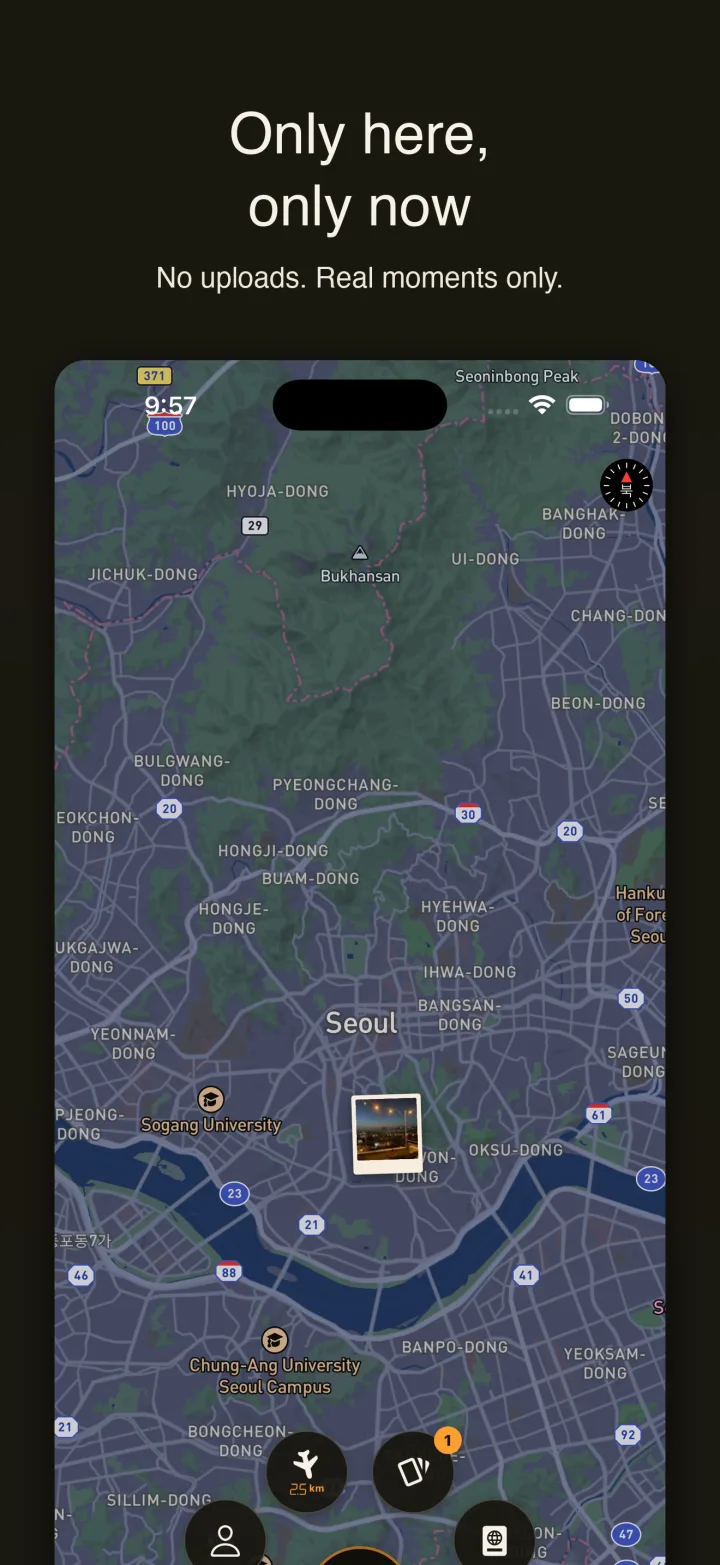
Most photo maps let you pick anything from your library and drop it wherever you like. Stampic removes that door on purpose. The only way to put a photo on the map is to open the in-app camera and press the shutter. The photo is tagged with the coordinates of the phone at the moment of capture, and you cannot move it. The server also checks the time between the shot and the upload, and rejects anything older than five minutes.
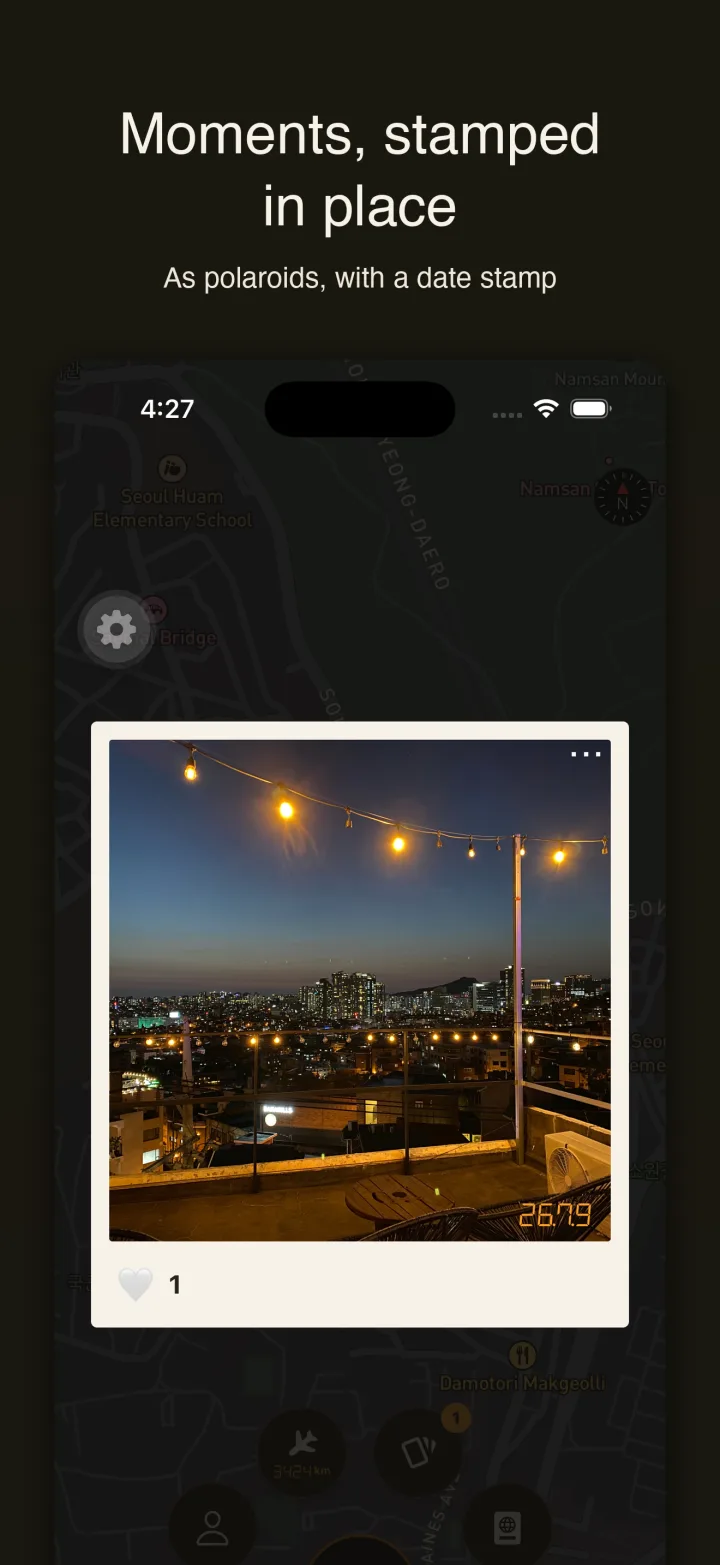
The effect is that a pin on the map means one thing: someone was standing there, at that time, and this is what they saw. There are no filters, no editing, and no text. What you see on the map is the photo and a date stamp.
Three frames of film, developed every fifteen minutes
The camera holds up to three shots. Each time you post, one frame is used, and a new frame develops every fifteen minutes. The camera screen shows this as a film roll with a winding animation and a development gauge, and when the roll is empty the shutter shows a NO FILM overlay until the next frame is ready.
The limit is the point. You cannot post twenty photos of the same alley in a row, so each frame goes to the moment that deserves it. After you press the shutter the upload happens in the background: you return to the map immediately, the new stamp shows as developing, and it clicks into place when the upload finishes.
Old Films, three for a lifetime
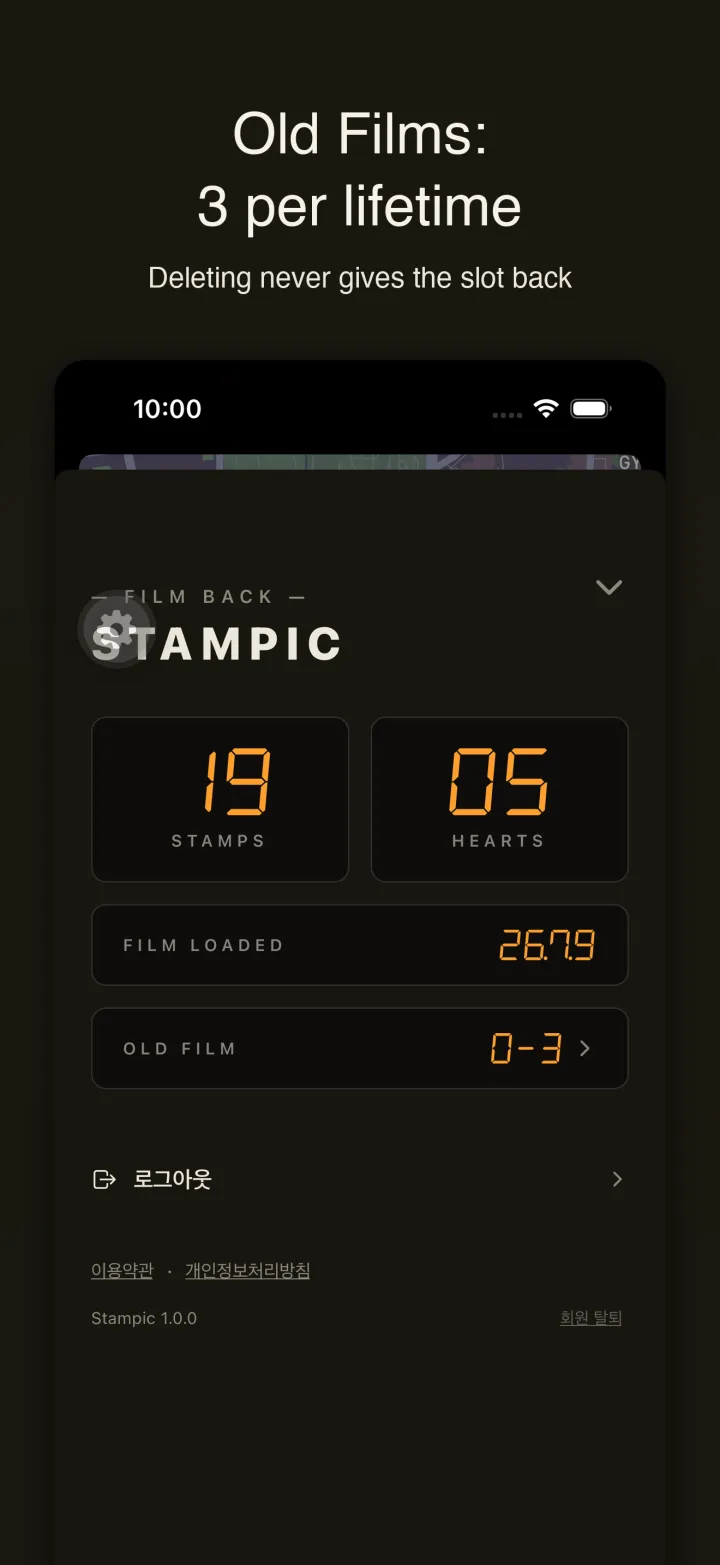
There is one exception to the no-upload rule, and it is deliberately tiny. You may bring in three photos from your past, ever. The app reads the location and date from the photo file itself rather than trusting anything you type, pins it in permanent sepia, and counts the slot as used. Deleting an old film later does not give the slot back.
This is how a first trip from years ago can sit on the same map as last weekend, without turning the map into a gallery dump. Your page shows the counter as 0 of 3, 1 of 3, and so on, so you always know what is left.
Swiping the world from a boarding pass
The deck flips through moments from far away as if you were boarding a flight. Cards are polaroids with slight tilt, varying paper tone, and small wear marks. Heart the ones you like, and a boarding-pass hint card shows the next destination and its distance. The airplane button on the map jumps the camera to a random trace at least 150 km away, so browsing always lands you somewhere you did not choose.
Each card also carries a share link. You can report a photo with a two-step reason picker, and repeated reports on the same photo hide it automatically. Blocking a user removes their pins from your map.
What the map knows about you, and what it does not
Public locations are offset 30 to 50 meters from the real spot before anyone else sees them, so a photo taken at home never exposes the door. The original coordinates stay in a private column and are never returned to other users. GPS metadata is stripped from the photo file on the server. Sign-in is Google or Apple only, and the server keeps the provider identifier, not your email. There are no ads, no in-app purchases, and no tracking prompt. Browsing the map needs no sign-in at all; you only sign in to post, heart, or report.