Load the CSV
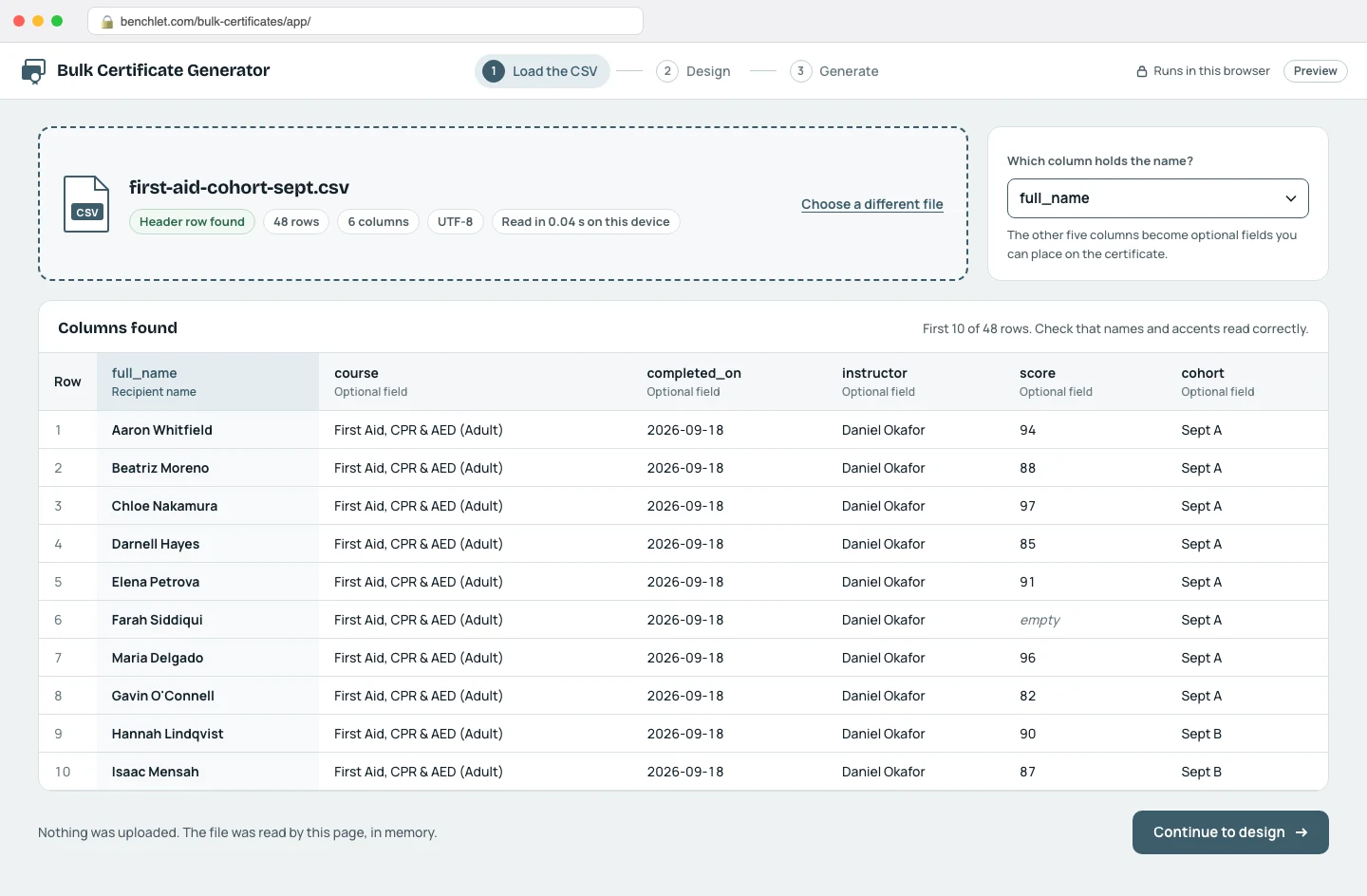
Drag the file onto the page. The tool parses it locally and shows the columns it found, with the first rows previewed so you can spot encoding or header problems instantly.
Training · for trainers and course admins

Bulk Certificate Generator merges a class roster into a certificate template entirely inside your browser: load the CSV, map the name column, and download a ZIP with one print-ready PDF per person. It is free, needs no account, and the names never touch a server.
Drag the file onto the page. The tool parses it locally and shows the columns it found, with the first rows previewed so you can spot encoding or header problems instantly.
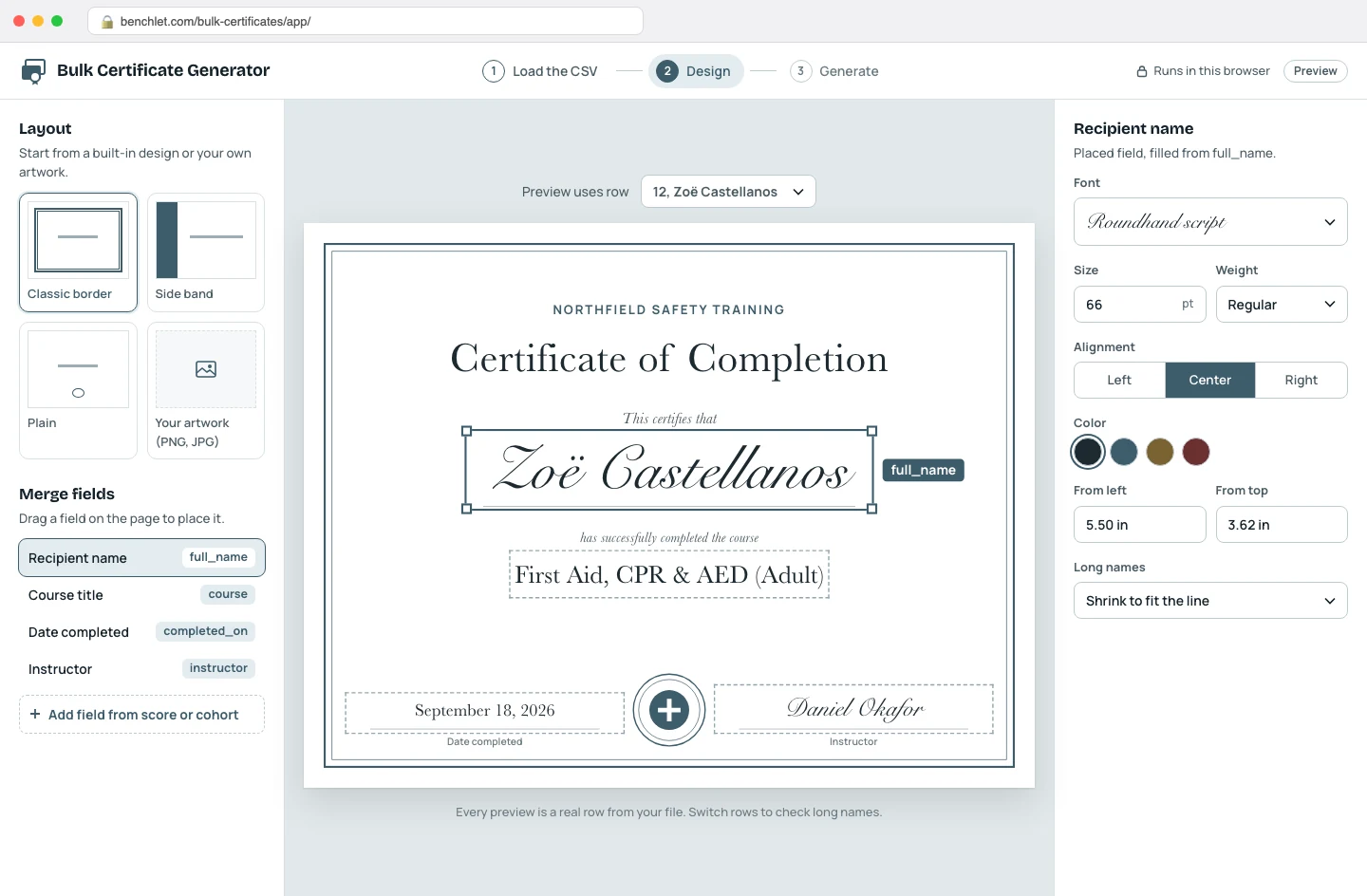
Choose a built-in layout or drop your own certificate artwork in as the background, then place merge fields where the name, course title, and date should print. The preview always renders a real row from your file, not placeholder text.
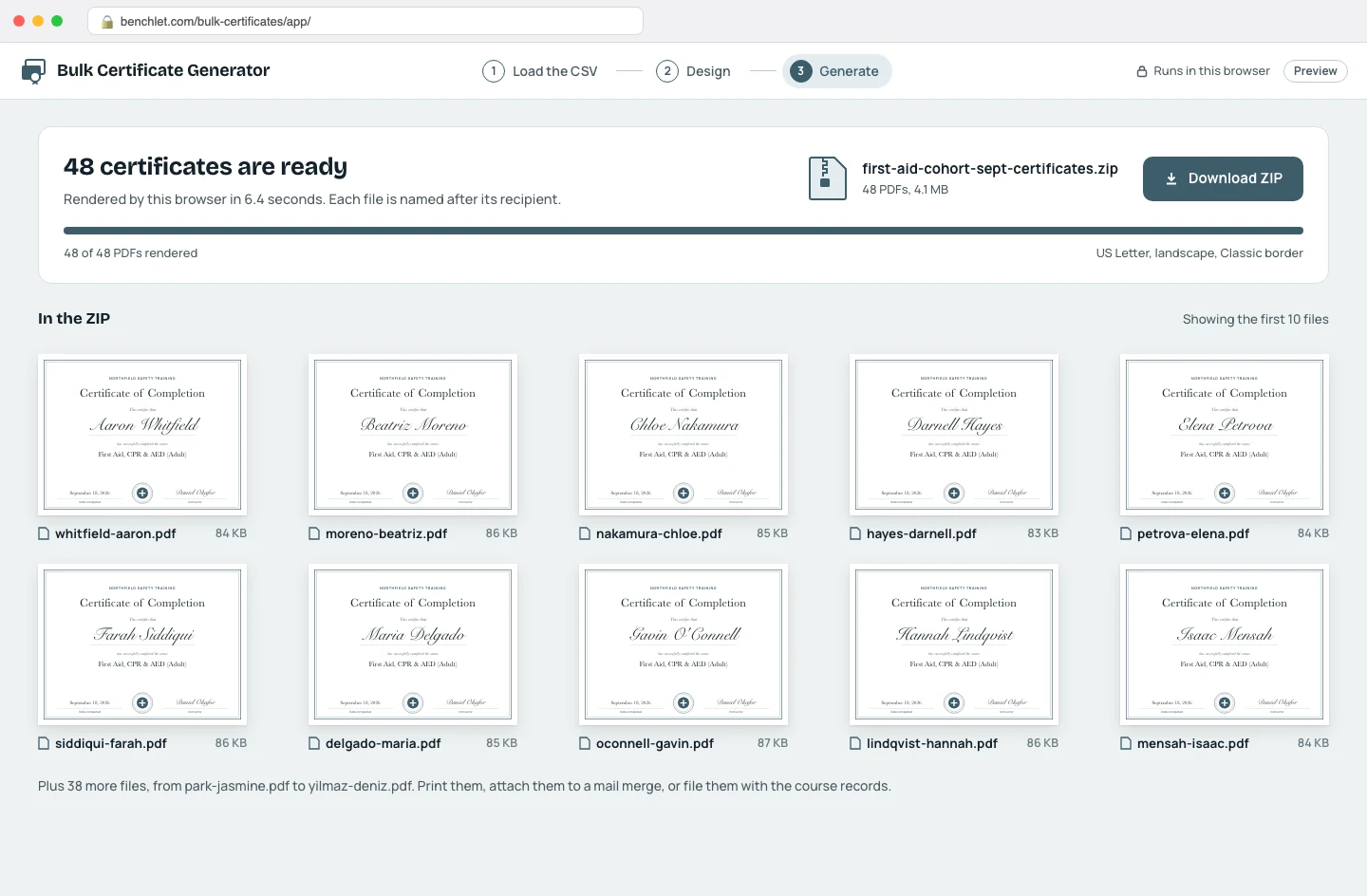
The browser renders every row to its own PDF and packs them into a single ZIP, each file named after its recipient. Print them, attach them to a mail merge, or archive the batch with the course records.
Everyone who runs a course hits this wall eventually: thirty, a hundred, four hundred people finished something, and each one needs a certificate with their own name on it. The obvious route is a design tool, and the popular one does have a bulk feature — but it sits behind the paid Pro plan, tops out at 300 designs per batch, and, crucially, wants your roster uploaded to its cloud before it will merge a single name. The dedicated certificate platforms go further: they are built around sending and hosting credentials, so their pricing is per certificate or per recipient per month, and your entire participant list lives in their database whether you wanted a delivery platform or just a stack of PDFs.
Most trainers, teachers, and HR coordinators wanted just the stack of PDFs.
The pattern shows up wherever completion has to be documented: workplace safety and compliance trainers issuing First Aid or forklift cards, teachers closing out a semester, conference and workshop organizers, sports clubs at the end of a season, church and community program leads, HR teams recording internal training. Two things are almost always true for these people. First, the batch is periodic — every cohort, every term — so a per-certificate fee stings twelve times a year. Second, the roster is the sensitive part: children's names, employees' training records, member lists. A generator that never receives the roster dissolves both problems at once.
Because the merge runs on your machine, the economics and the privacy story change together. There is no server bill scaling with your batch size, which is why there is no credit system and no 300-row ceiling. There is no stored copy of your roster, which is why there is no account, no consent checkbox, and no retention policy to read. And there is no round trip per certificate, which is why a hundred PDFs take seconds, not a progress bar's worth of uploading. The trade-off is honest: your device does the work, so an old phone will be slower than a laptop — but it will still finish, and nothing about your class will have left the room.
The CSV is opened by JavaScript running in your browser, the same way a spreadsheet app opens a file on your desk. It is parsed in memory, merged into the template in memory, and written into PDFs in memory. No upload happens at any point, so there is nothing on our side to secure, retain, or delete. For rosters of minors or employee training records, that is usually the difference between needing a data-processing review and not needing one.
The practical limit is your device, not our pricing page. A few hundred single-page PDFs is comfortable on an ordinary laptop; a 1,000-row roster works but takes noticeably longer because your own machine is doing the rendering. There is no per-certificate credit, no monthly quota, and no cap tied to a paid tier.
One row per recipient, with a header row. A name column is the only requirement; any other columns — course title, completion date, score, instructor — become optional fields you can place on the template. Exports from Google Sheets, Excel, and every LMS gradebook we have seen produce a compatible file without editing.
Yes. Start from one of the built-in layouts, or drop in your own background image (a PNG or JPG of your existing certificate works well) and position the merge fields on top of it. Fonts, sizes, and alignment are per-field, so the recipient name can be large and calligraphic while the date stays small and plain.
No, and that is deliberate. Sending email requires a server, accounts, and your recipients' addresses on that server — exactly the machinery this tool exists to avoid. You get a ZIP with one clearly named PDF per row (for example smith-jane.pdf), which attaches cleanly to a mail merge in Gmail or Outlook if distribution by email is what you need.
Pick the channel you use.